
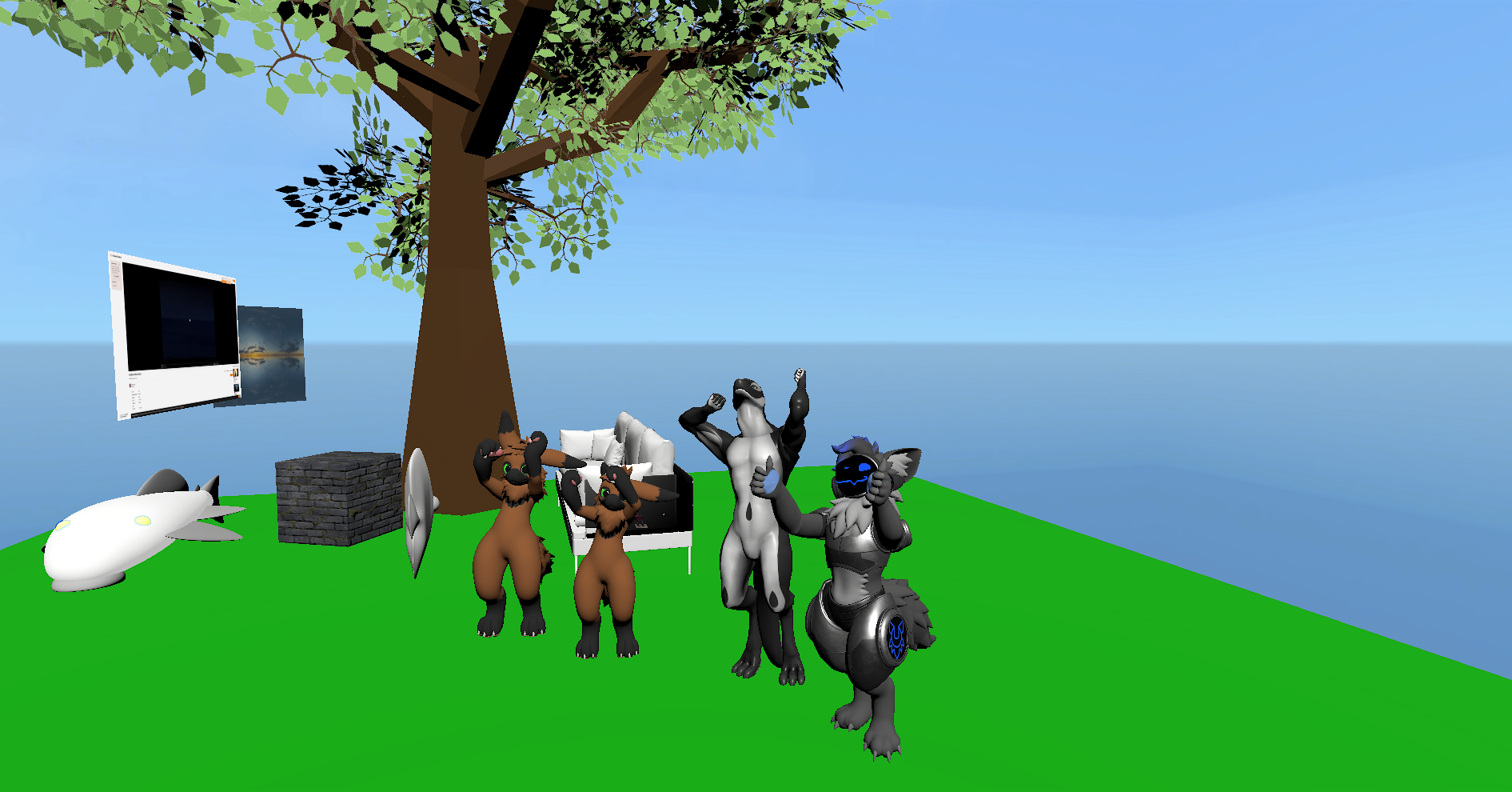
I’m still pursuing my goal to make an Overte world for people to hang out and relax, like a little vacation home for a weekend meeting with friends. My enthusiasm has only increased since I’ve managed to get people to my Raspberry Pi world, which is amazing. I can host and control as well as share my worlds and host them on tiny hardware. The Raspberry Pi 4 is great, we were 4 people in a small test world and everything ran smoothly. This is very impressive. I prefer Overte as the VR hangout not only because its open-source but because we have the possibility of preserving VR experiences. VRChat has more to offer, but worlds that I love, where I spend my time and build emotional attachments to… they can disappear, just like Crystal Lake House where I often just relaxed back when I didn’t have anyone to play VRChat with. You can access the biggest Overte worlds here, download and host them yourself
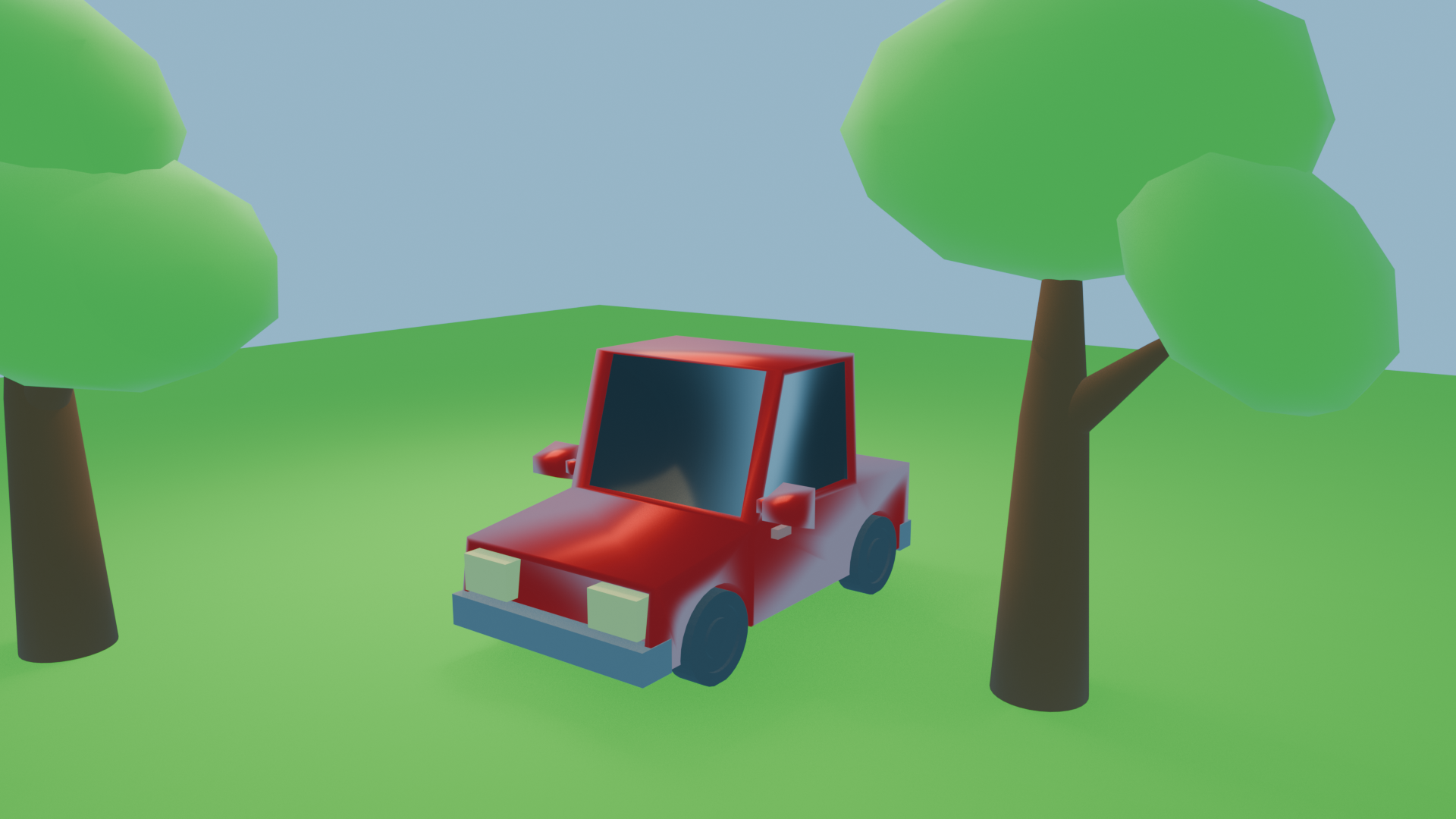
Before embarking on a world-building journey, I still didn’t feel quite ready, so I watched a few more tutorials. I started with the (quick introduction to Blender)[https://youtu.be/nESaz92SJ0w] by Brad’s Art School and while I didn’t learn anything new, it was a good refreseher. I made a little blocky cartoony car.
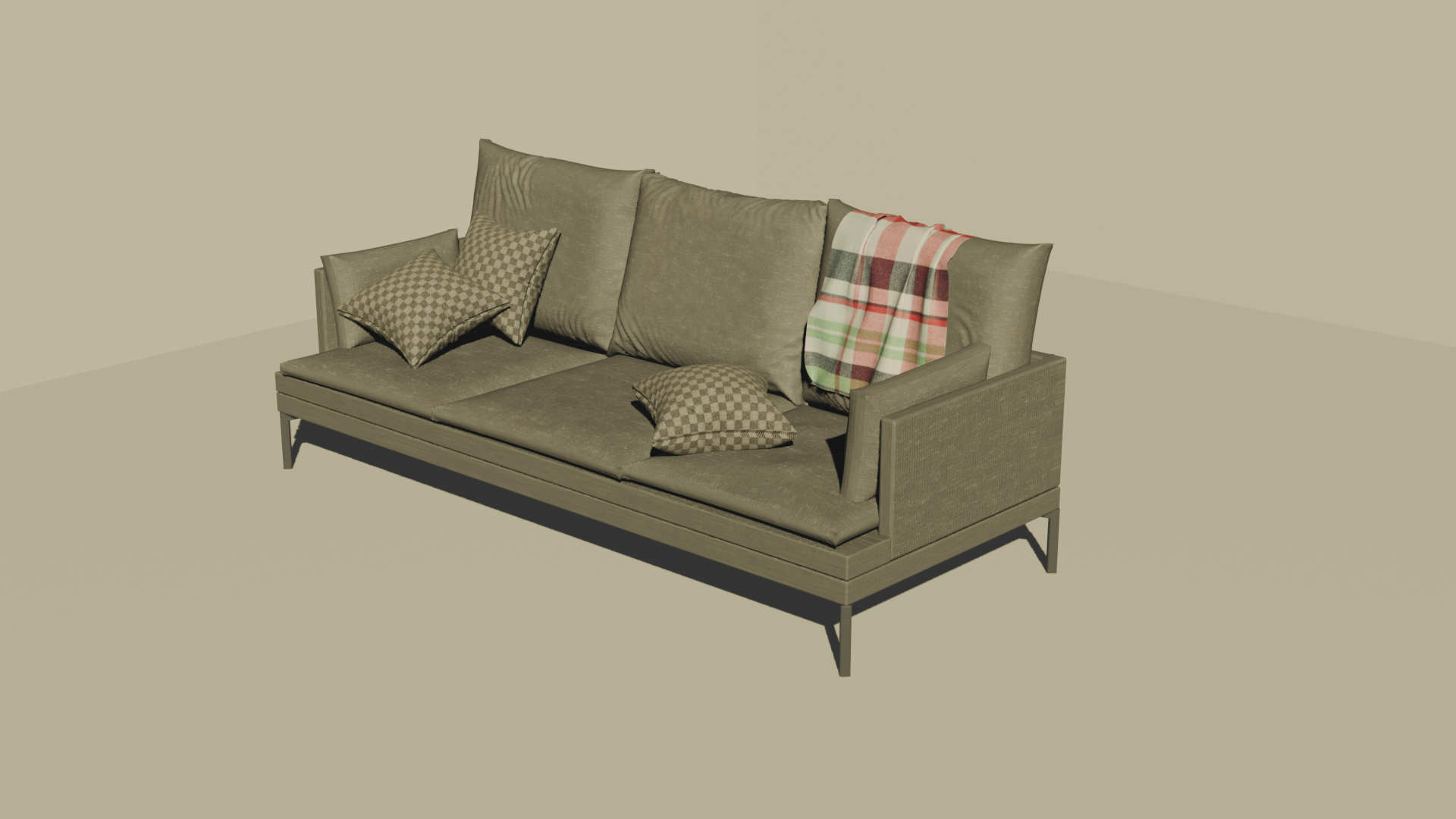
Next up was the Couch tutorial series by Blender Guru and while it took me a while, I managed to create a Couch with the videos:
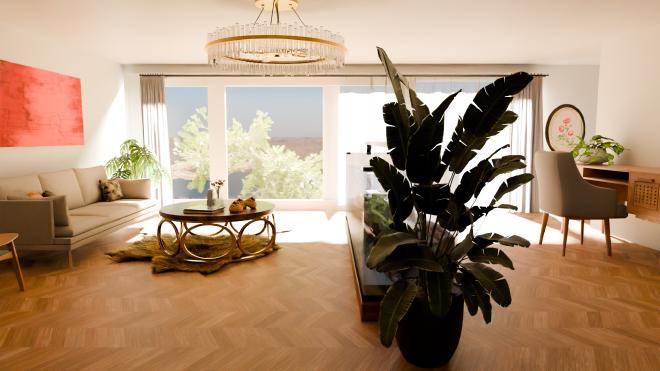
After that I decided to rather focus on internal design and I’m glad I did so, because when it comes to creating rooms and worlds, most of the time you import existing models and very rarely do you need to make new ones and that was one of the messages in this video. Making models is a big time investment and I’m also not yet that good at it without assistance.
I made the following room and I have to say, I feel like I’m ready now for making Overte worlds.
The Overte community is very helpful and they have shared a bunch of ressources with me, for example where to find models and how to bake lightmaps into Overte worlds. For free models the following list is interesting: The Base Mesh, AmbientCG for materials, Poly Haven, Creazilla, The Models Resource for Retro videogame models and Free3D. There is also BlenderKIT but their models are huge and the assets must not be sharable. Since I want everyone to be able to host my world, so I’ll have to improvise.
With this, it’s time to start the project Kafejo Fora.
Reply by Email